
NEVER MISS A MOMENT

Whether you’re cheering from the sidelines, watching from another state, or catching up after work, GameChanger makes it easy to stay close to every game, milestone, and memory.
LIVE THE GAME
LIKE NEVER BEFORE
Wherever life takes you, stay close to every game, moment, and milestone with GameChanger.

Watch from anywhere
Watch live streamed games in full HD, whether you're juggling two athletes at once, stuck at work, or viewing from across the country.

Get real-time alerts
Receive instant score updates, play-by-play, and lock screen alerts to stay in the know when you can’t watch every moment.

Enjoy clips and highlights
Relive every highlight and share your athlete's best moments long after the final score.

Stay synced to your team
Parents and guardians stay in the loop with schedule changes, team chats, announcements, and reminders.
INVITE THE FAMILY
Share the Premium experience with up to four family members.
Shop Family Plan
stay connected all season
Follow your athlete all season long with live streaming, scores, schedules, highlights, and more, all in one place.
connect live
Live Streaming
Watch from anywhere.
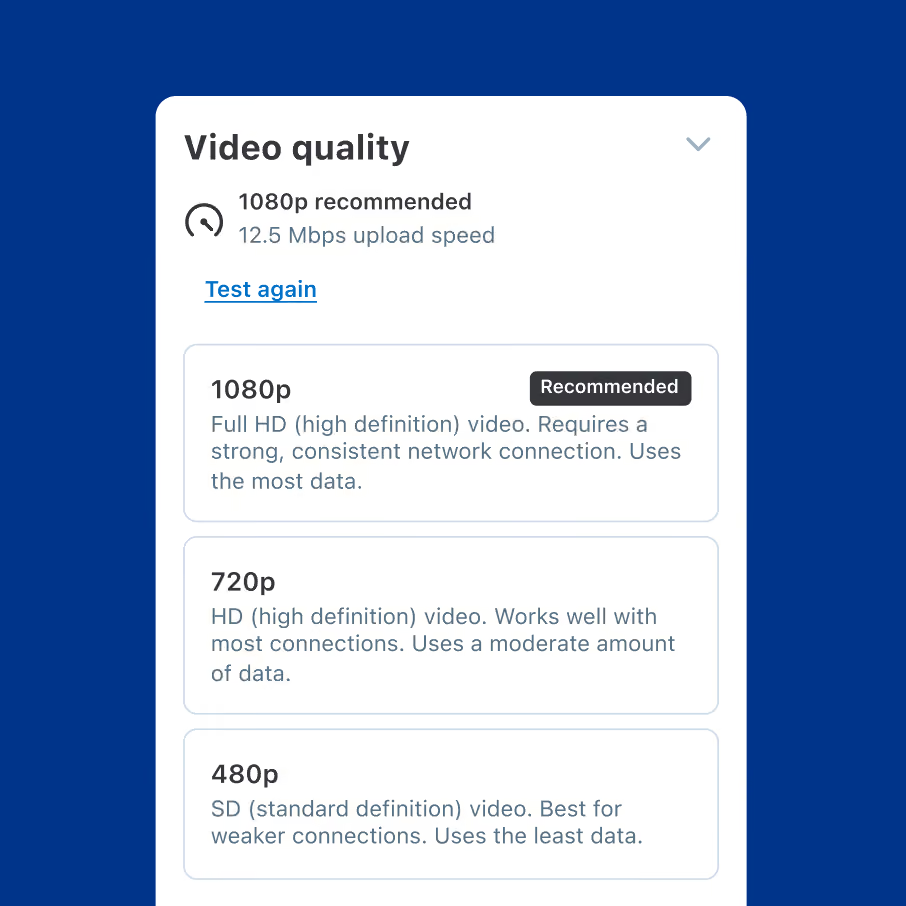
Full HD
Stream games in crisp, clear 1080p.

Phone, Tablet, or Web
View on any internet-connected device.

Live Game Animations
Follow key moments at a glance.
STAY UPDATED
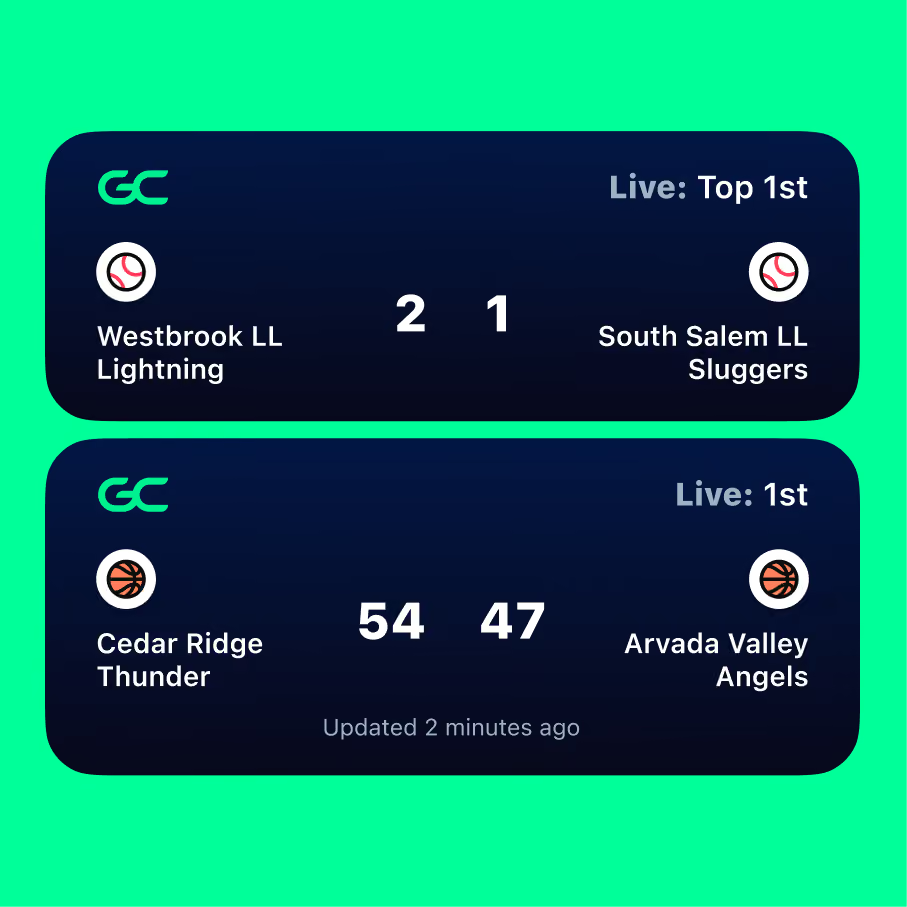
Live Activities
Scores on your lock screen.
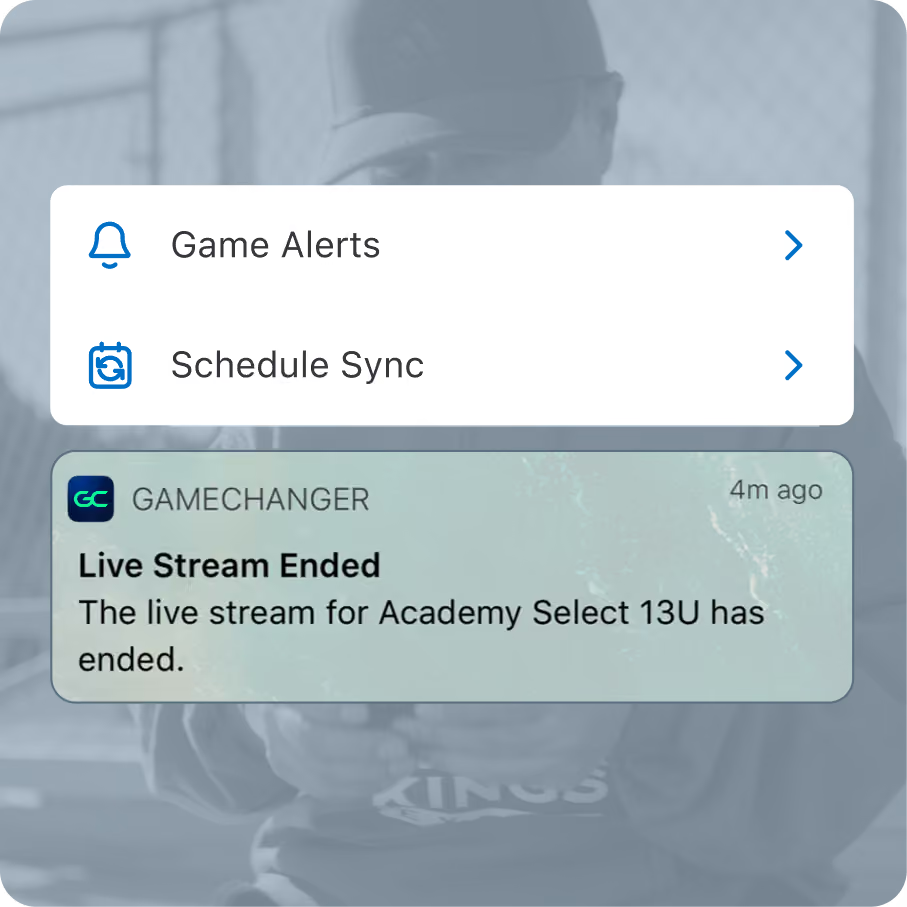
Game Alerts
Get notified on big plays.
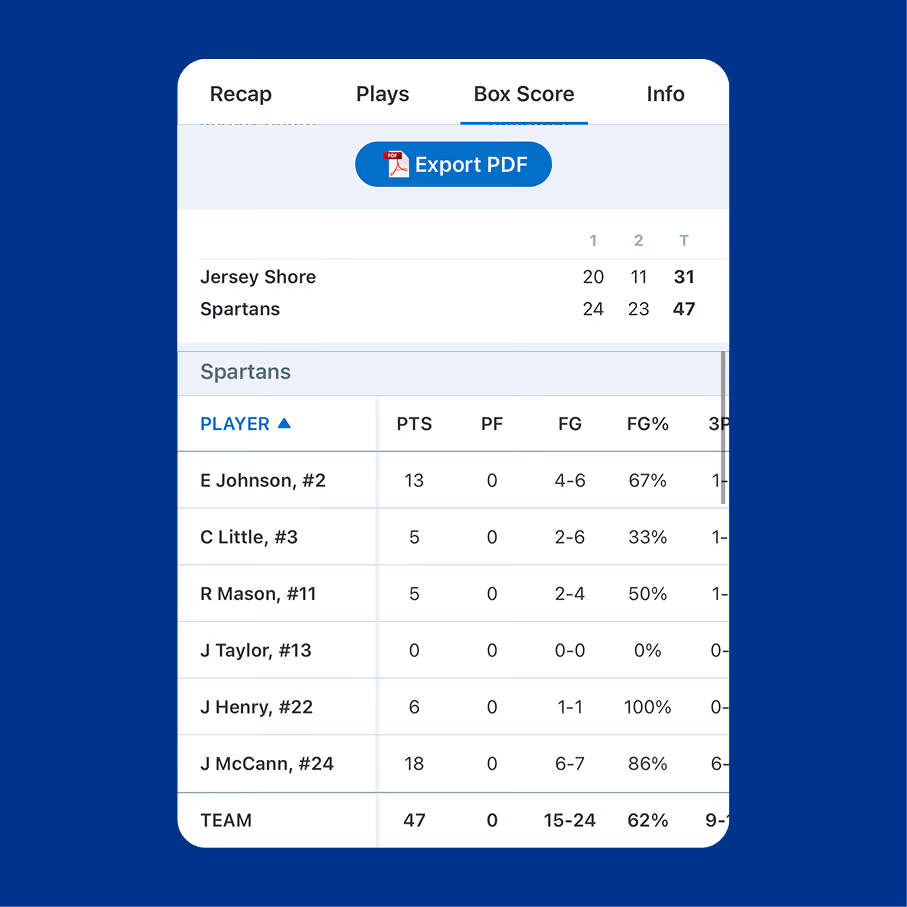
Box Score
Every stat, at a glance.
Live Plays Announcers
Listen live when you can’t watch.
Replay the action
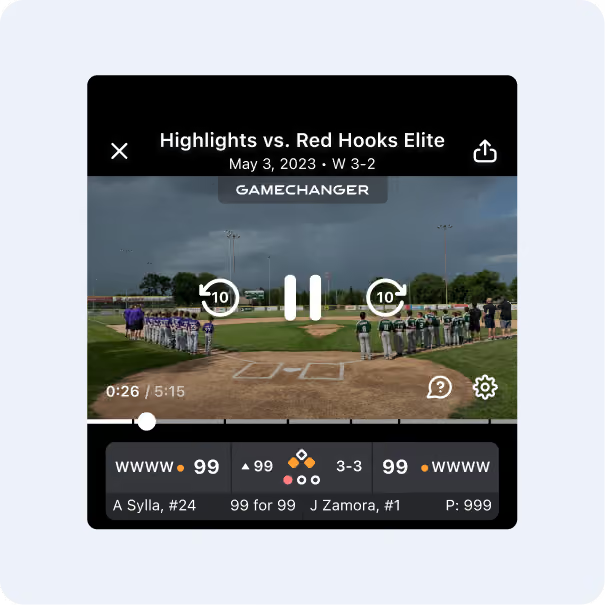
Game Highlights
Catch the best moments from every game.
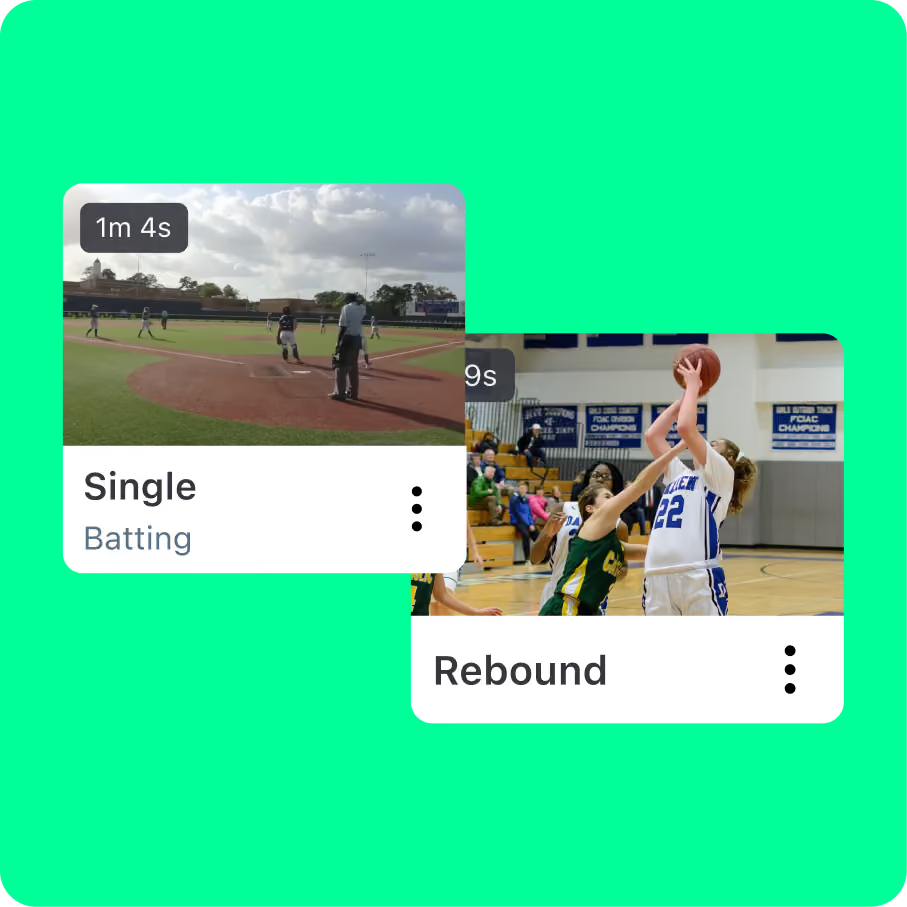
Automatic Highlight Clips
Your athlete’s key plays, automatically saved.
Full Event Video
Rewatch the whole game.
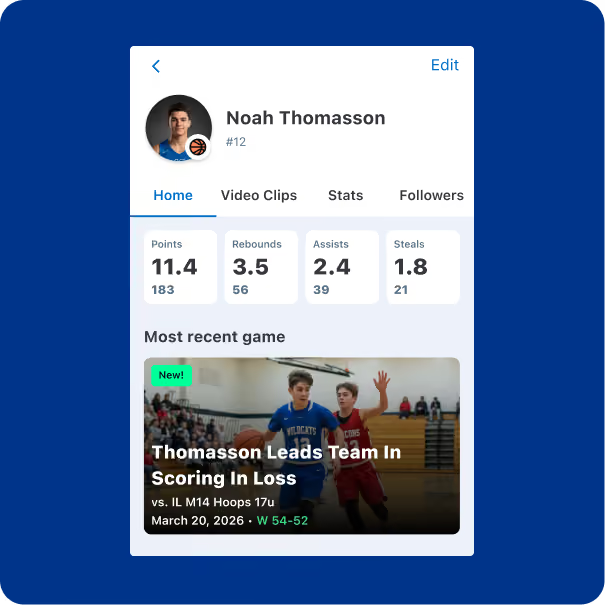
Career Profile
Showcase their season.
Communicate with the team
Team Messaging
Chat with coaches and parents.

Schedule Sync
Add games to your calendar.
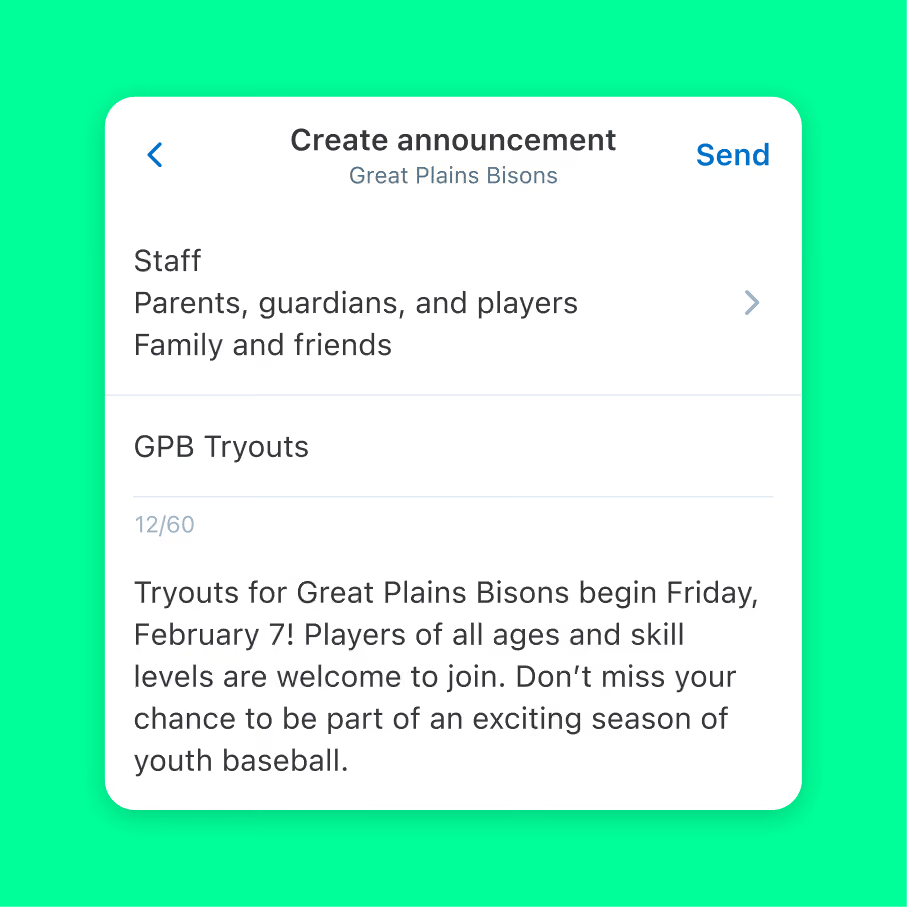
Announcements
Get important updates from the coach.
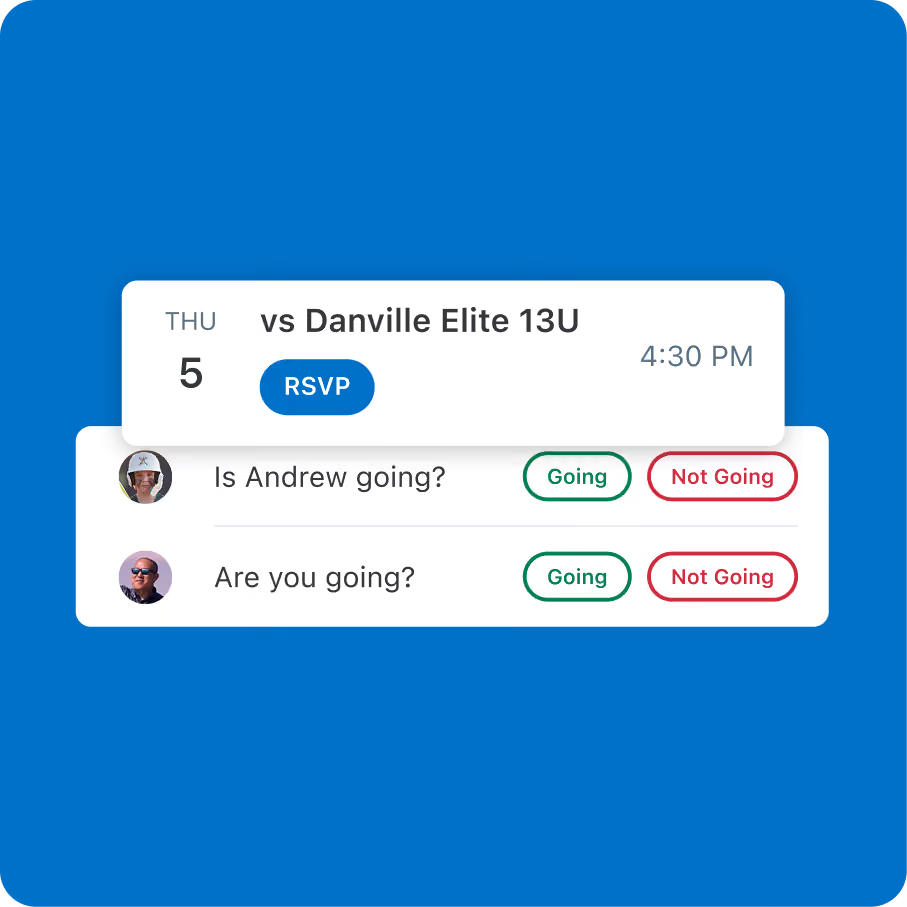
RSVP
Let them know you’ll be there.
trusted by millions of coaches and families nationwide
1M+
10M+
10M+
6M+
“GameChanger is awesome! I really recommend it for parents and friends. You can see stats and watch the game online — that makes it so much fun.”


The only app you need this season

The only app you need this season
The only app you need this season
The only app you need this season
The only app you need this season
GameChanger Family and Fan questions
Starting a live stream is easy! All you need is a steady mobile device. Team staff or confirmed team members (on teams with streaming permissions set to confirmed members) can open the GameChanger App, head to the team’s schedule tab, select the desired event, and then press “record video.”
GameChanger allows confirmed family and players to broadcast games live in all sports by default. Team staff are also able to designate certain community members as videographers by updating the Team Permissions from their Team tab.
The videographer can choose to allow either only family members and players (if the players are old enough to have their own account) to watch the live stream, or they can also include team fans in the audience, along with family members and players.
Now, any confirmed team member can score a game with updated scoring and streaming permissions! To score a game, open the GameChanger App and select the game you’d like to score from the team’s schedule tab. Then tap “score game” to begin. You can always practice scorekeeping in the app to get a feel for how to score basic plays before game day.
Yes! The GameChanger App is free to download. All GameChanger features — including premium features — are completely FREE for coaches and staff to use for their team. Parents and fans can join a team and utilize team messaging, scheduling, and RSVP for free. Additional features for parents and fans, like unlimited baseball and softball live stream viewing, highlight clips, and box scores, are available with a subscription starting at $9.99 per month (or $39.99 billed annually).
Yes. All users can watch baseball or softball live streams for free on a limited basis. For unlimited viewing, upgrade to Plus, Premium, Family Plan, or Team Pass. Live stream viewing of other sports like basketball, volleyball, and soccer, remains completely free.


