
Track the Stats
That Matter To You
Gain a clear picture of performance by season, by game, or by player.
Essential Stats for the coaches and superfans
Game and Season Stats at Your Fingertips
Track performance and monitor trends across games and the full season all in one place when you score on GameChanger.
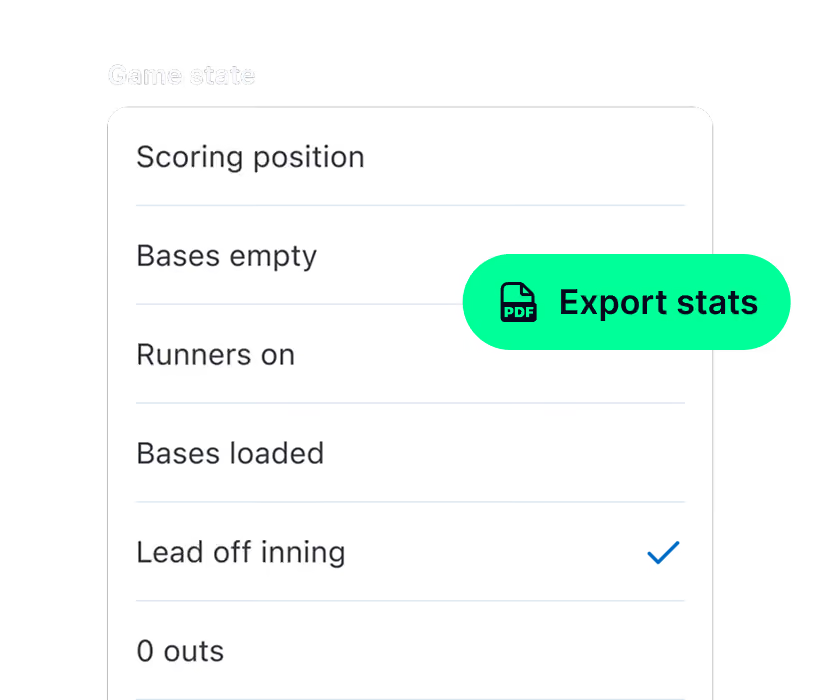
View Stats How You Want To
Streamline postgame review by filtering to the stats you need to see from games that were scored on GameChanger. Plus, quickly export game or season stats to share for reports and planning.
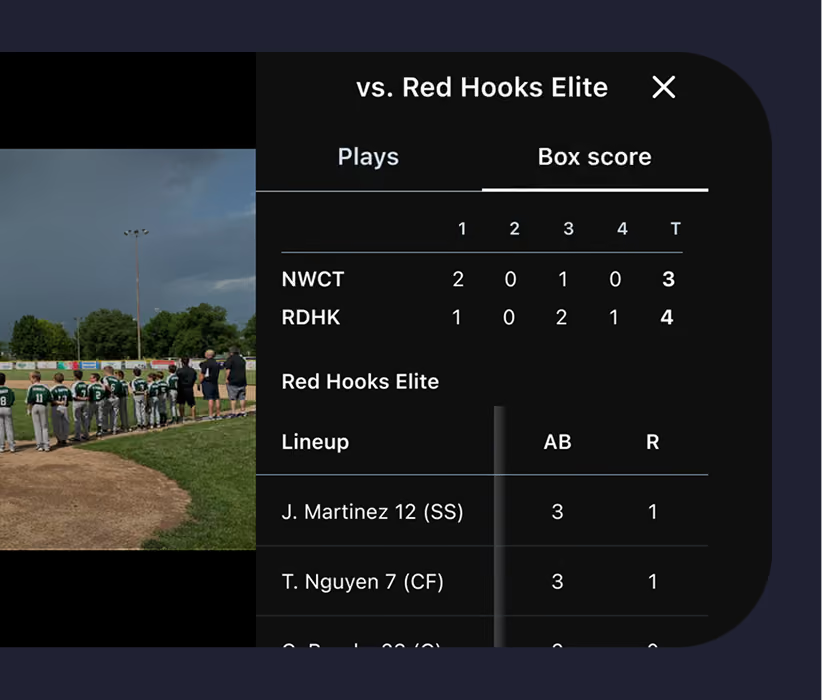
Performance at a Glance
Get a quick summary of performance with box scores for faster trend review and easy-to-see game contributions on scored games.
Insights that tell Your Player's Story
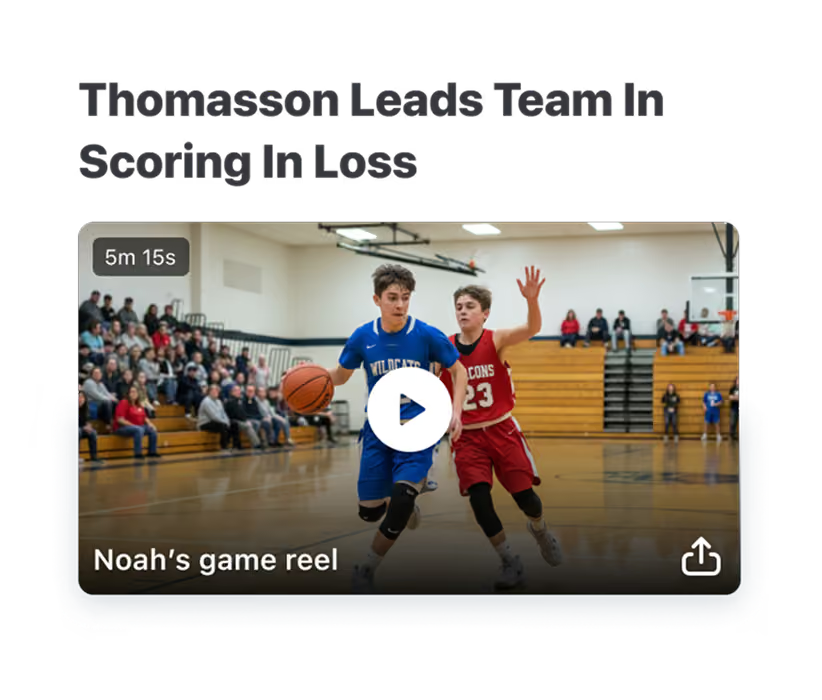
Follow Your Player’s Journey
Celebrate your player’s achievements and follow theirprogress by game and by season with player-specific stats, game recaps, and video clips all in one place. Take their data one step further by curating a shareable Career Profile that highlights their stats and top clips throughout their entire athletic career.
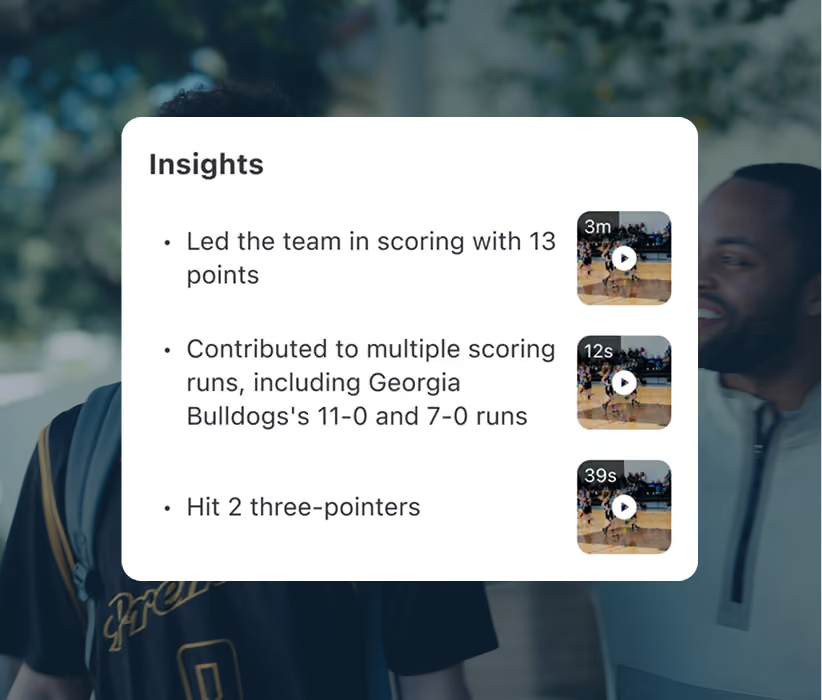
Spotlight Key Stats and Trends
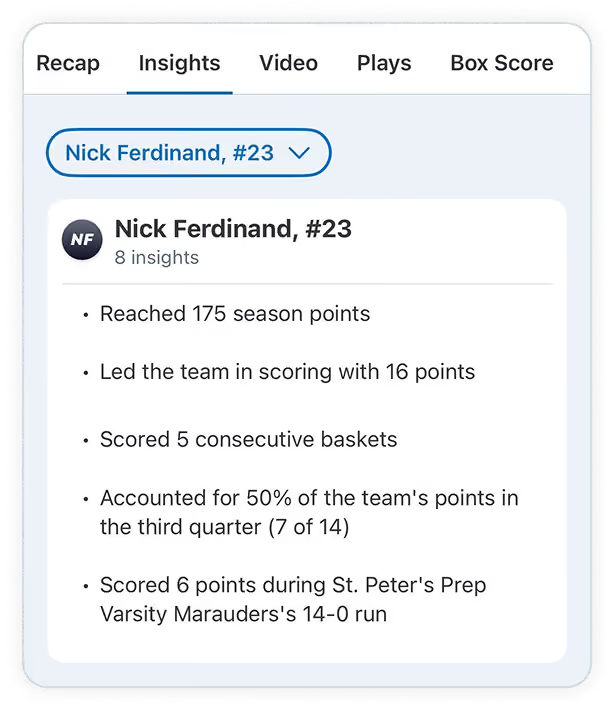
See major takeaways from game data with Game Insights that make it easier to celebrate progress and spot areas of opporunity on games that are scored.
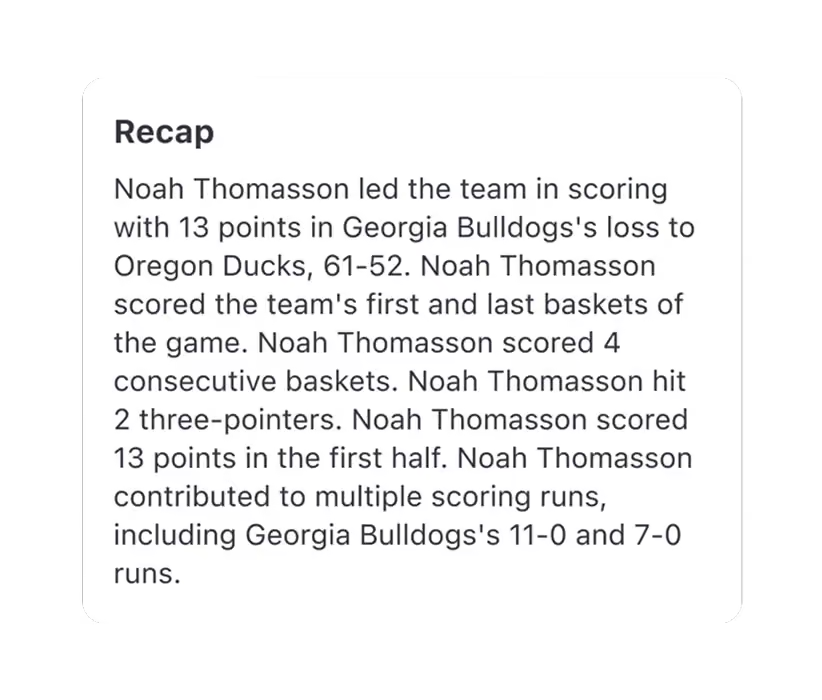
Stories Worth Sharing
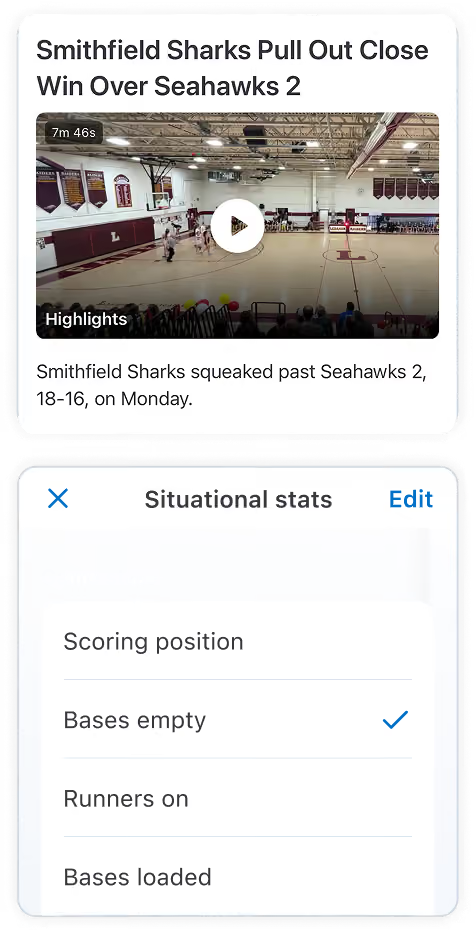
Read about, and share, the highlights of your athlete’s game in a newspaper-style summary — automatically generated after a scored game.
Data For The Dugout
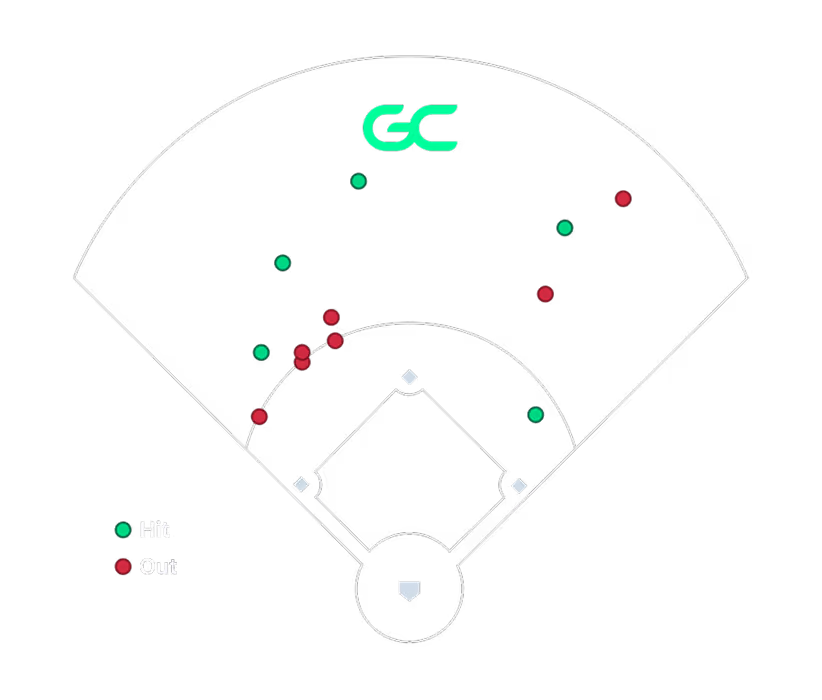
Hitting and Pitching Data, Visualized
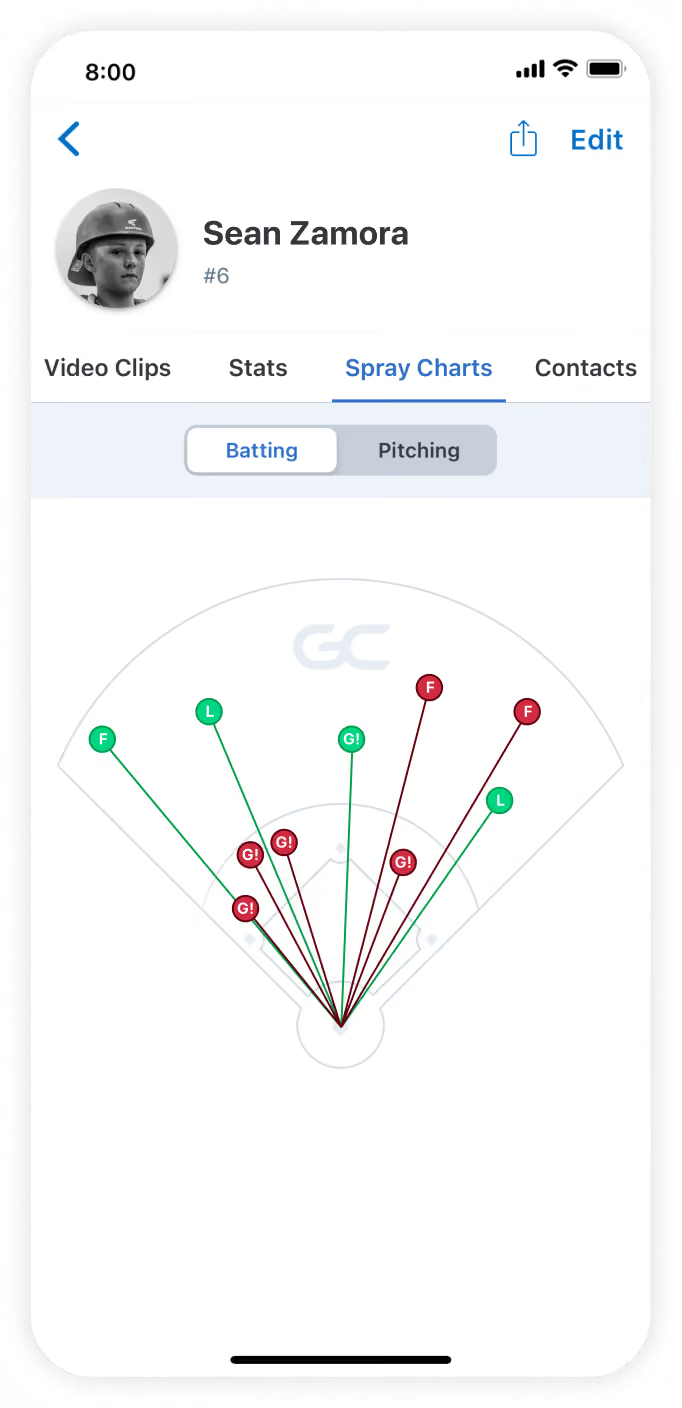
See where balls are put in play and where pitches are located with hitting and pitching spray charts on scored games. For faster decision-making during gameplay, coaches and team staff get the full picture in real time with spray charts directly in the GameStream. Plus, opponent spray charts provide coaches with context for smarter strategy development, helping provide a competitive edge.
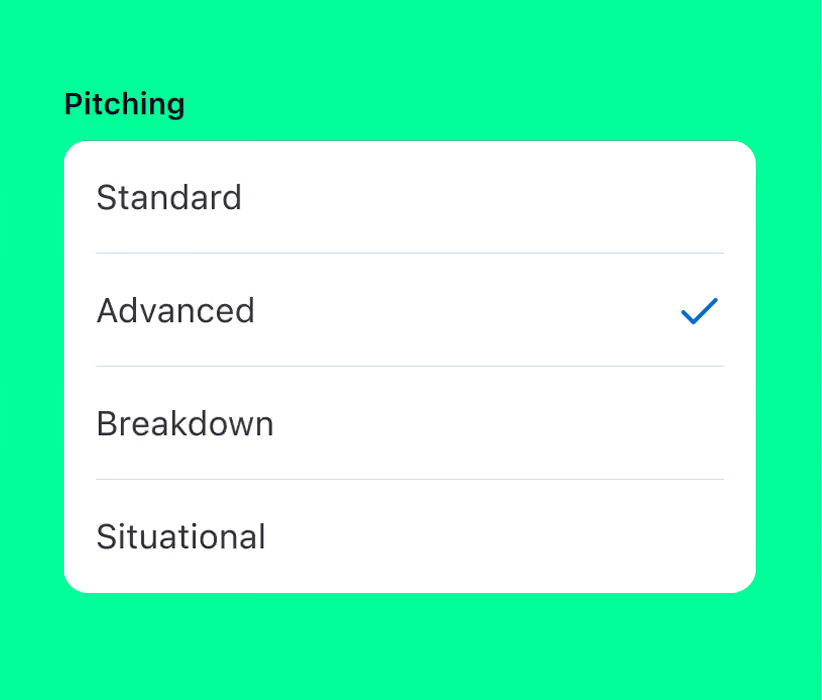
Pitch Perfect Performance
Watch pitcher development over time with deeper pitching context, including pitch mix and speed, when games are scored on GameChanger.
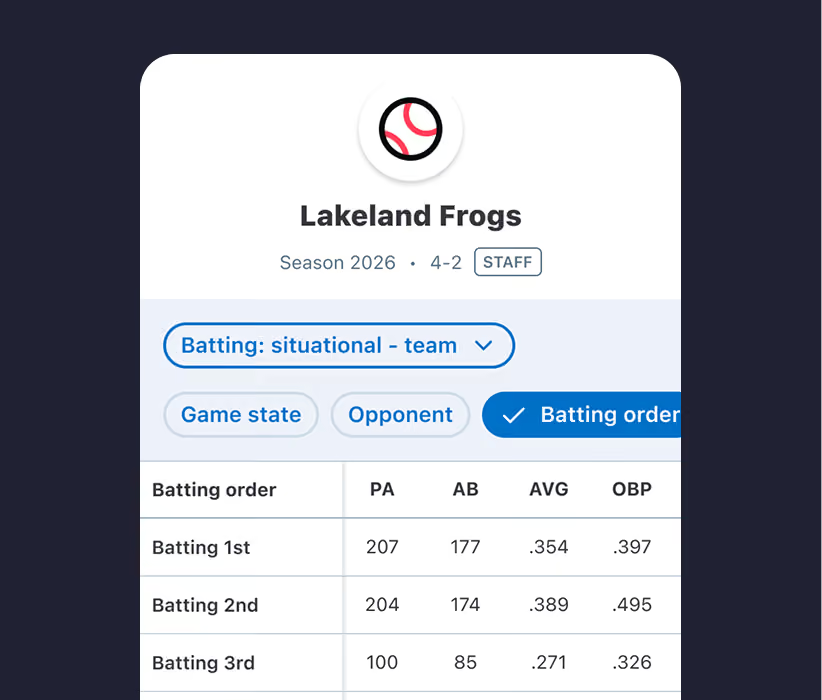
Data That Drives Informed Player and Lineup Decisions
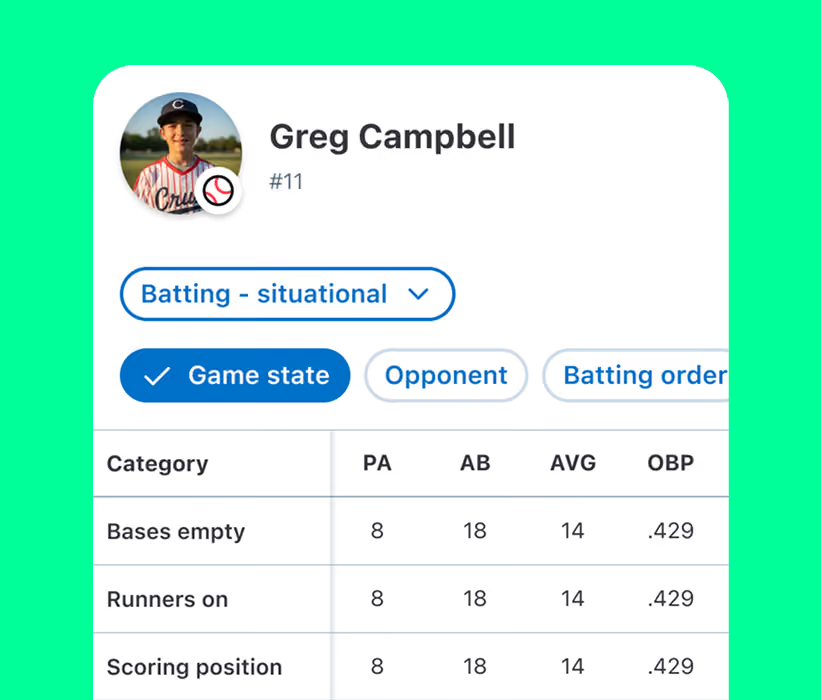
Coach with confidence with position-specific fielding stats, specific game situation stats, and innings played at each defensive position all from the palm of your hand. Gain a better understanding of how players perform in the moments that matter, so you can make more informed decisions about lineups, playing time, and team development.
Keep Stats in Sync with Seamless Partner Integrations
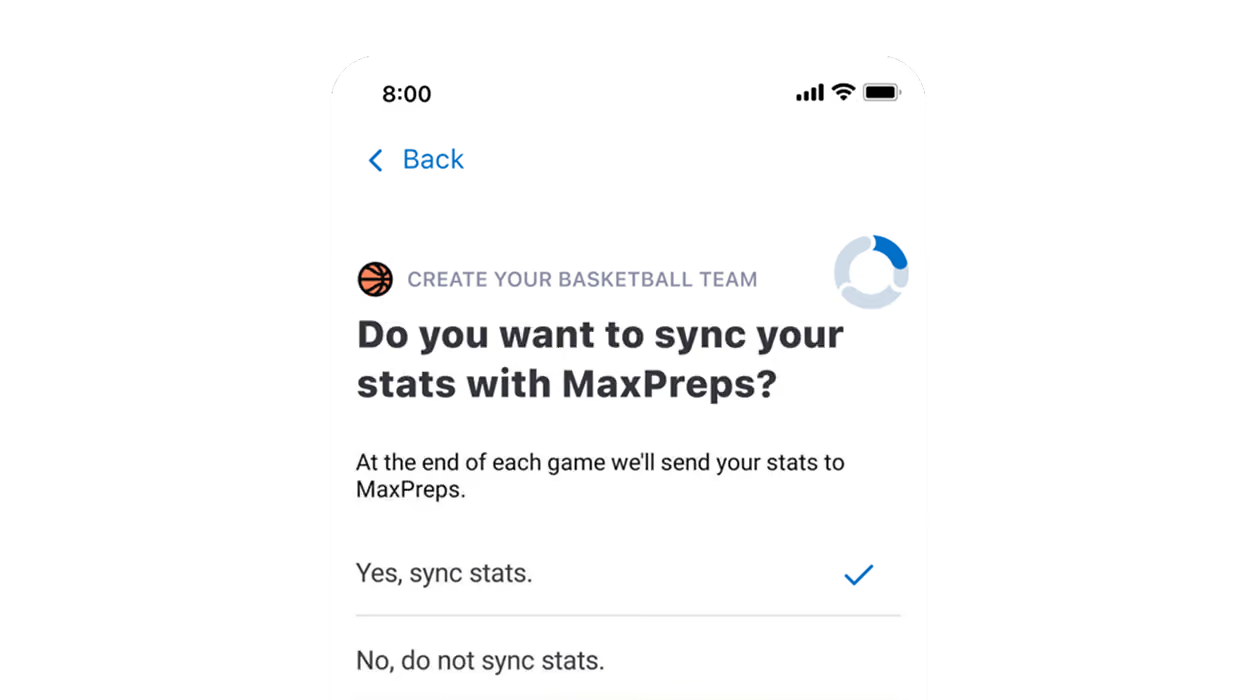
Maintain Consistency with MaxPreps
Save time on administrative tasks and reduce errors by syncing schedules, rosters, and game data directly between GameChanger and MaxPreps.
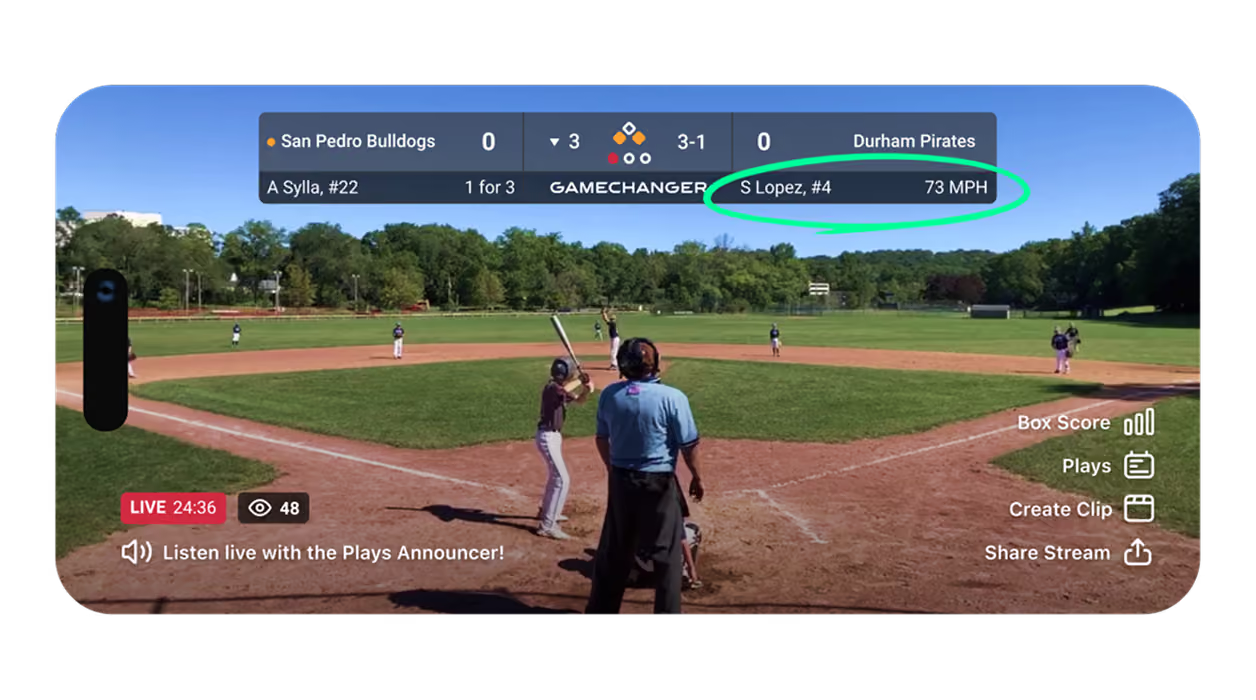
Reliable Readings with Pocket Radar
Provide additional context on live streams and stats with the Pocket Radar integration that automatically captures and logs pitch velocity.
“This app is amazing! You can track stats through the app. Seeing your child’s growth over the course of the years is something special.”

the latest from gamechanger
Dig into the latest product updates and announcements.

gamechanger stats and insights Questions
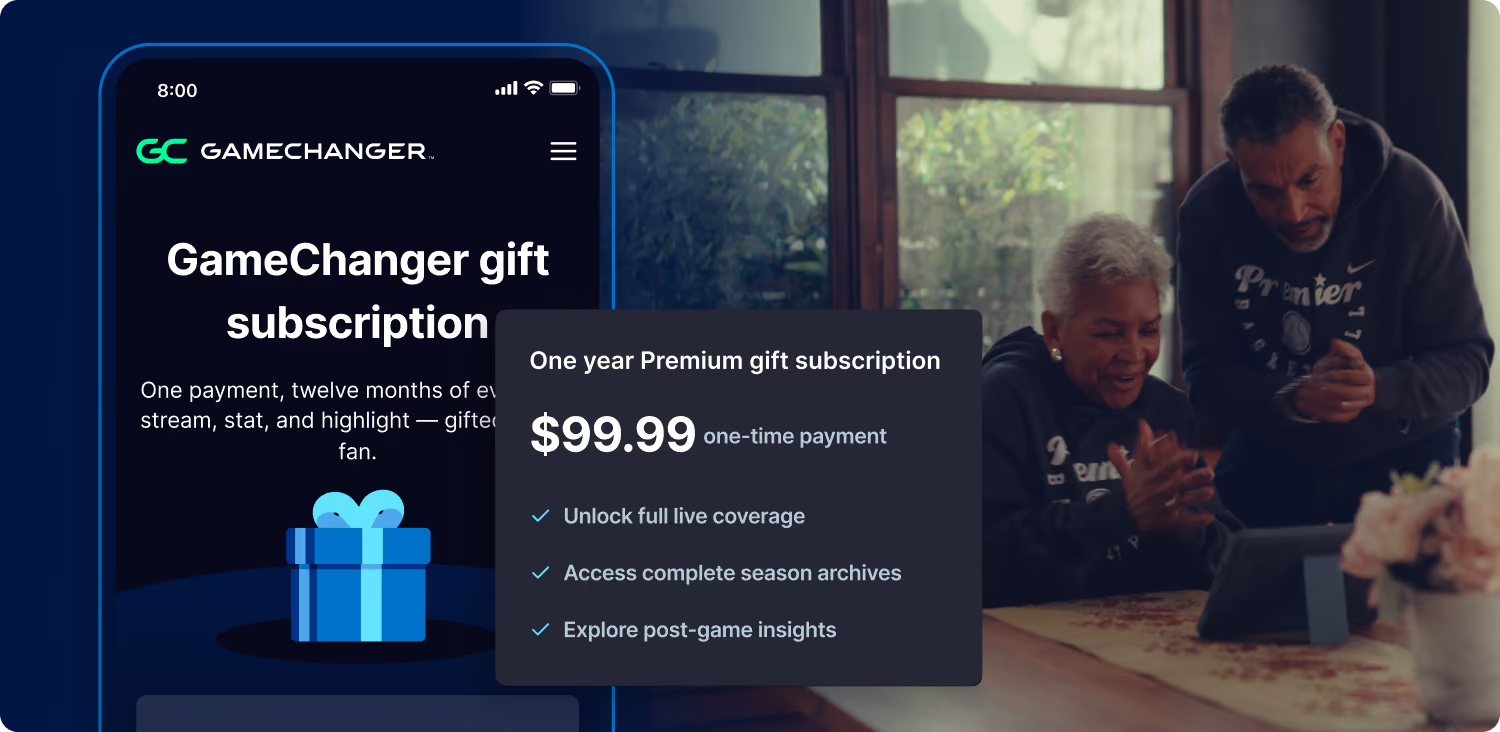
Yes! The GameChanger App is free to download. All GameChanger features — including premium features — are completely FREE for coaches and staff to use for their team. Parents and fans can join a team and utilize team messaging, scheduling, and RSVP for free. Additional features for parents and fans, like unlimited baseball and softball live stream viewing, highlight clips, and box scores, are available with a subscription starting at $9.99 per month (or $39.99 billed annually).
To score a game, open the GameChanger App and select the game you’d like to score from the team’s schedule tab. Then tap “score game” to begin scoring. You can always practice scorekeeping in the app to get more comfortable before game day.
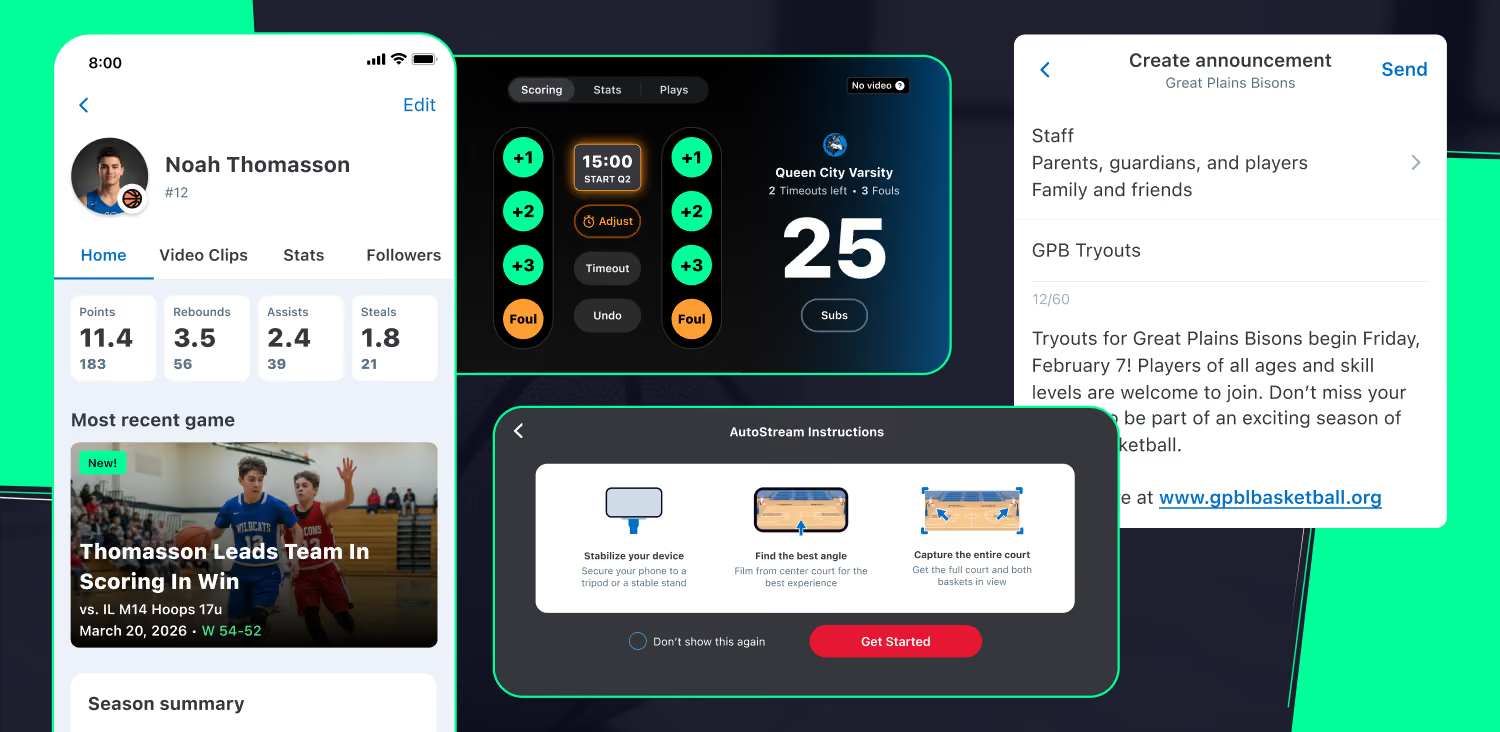
All GameChanger stats and insights features, including box scores, season stats, and game insights are available to coaches and team staff at no cost. Any team fan can keep up with the live score of a game, including live pitch velocity, but must be a subscriber to view postgame content like Player Game Stories or recap stories.


