
Live streaming changes
The youth sports game
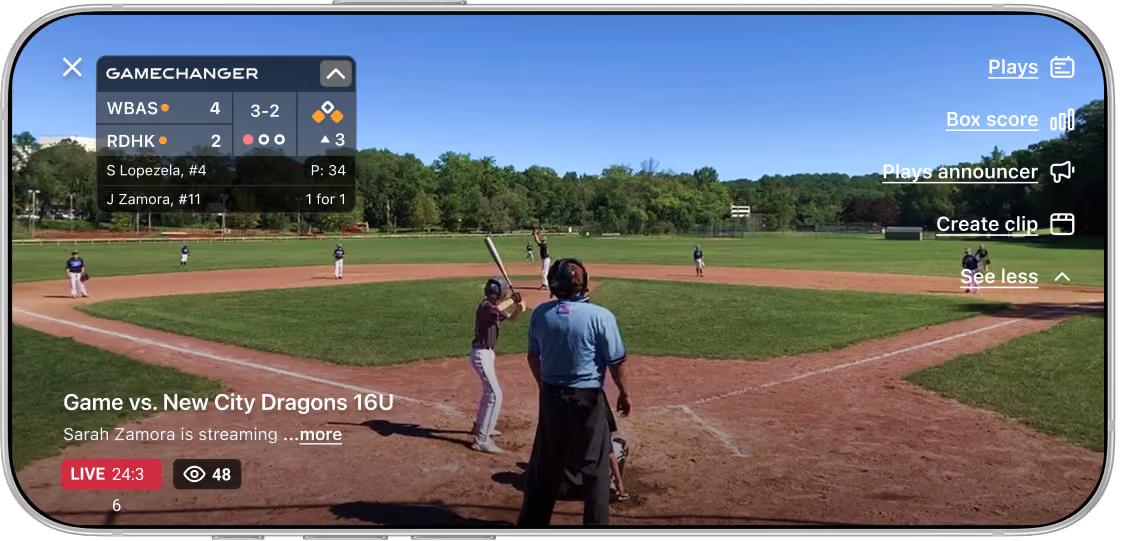
GameChanger makes it easy to broadcast every game so family and fans can connect live from anywhere and relive the best moments for years to come.
be the reason nobody misses the game
Broadcast Games Live in a Few Taps
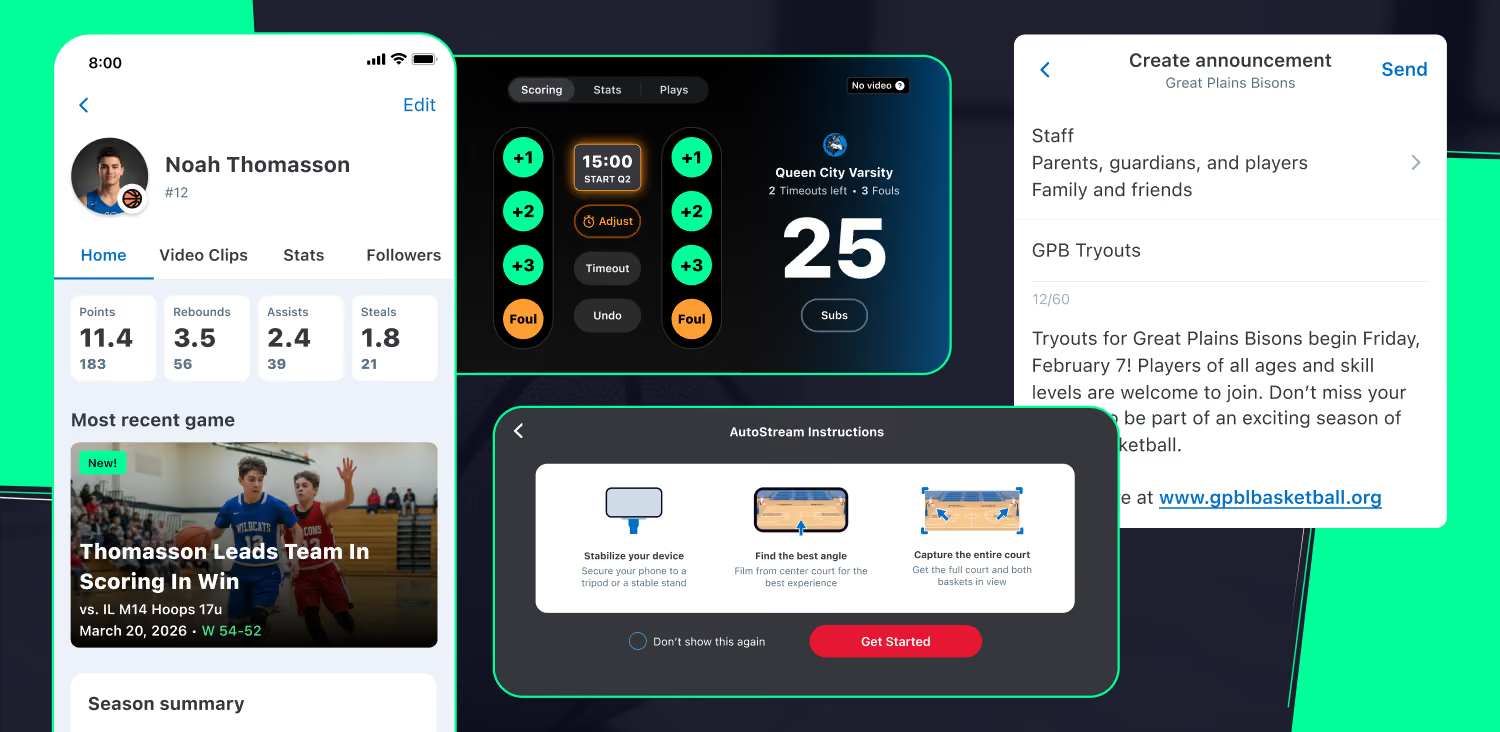
Whoever hits record connects the whole team — anywhere from the stands to states away. All it takes is your phone, or an external camera setup, and a few taps to get started.
- Keeps family and fans connected, no matter the distance
- Doubles as game film coaches and players can revisit all season
- Works with a phone alone, or a compatible external camera for higher quality
Practice Live Streaming
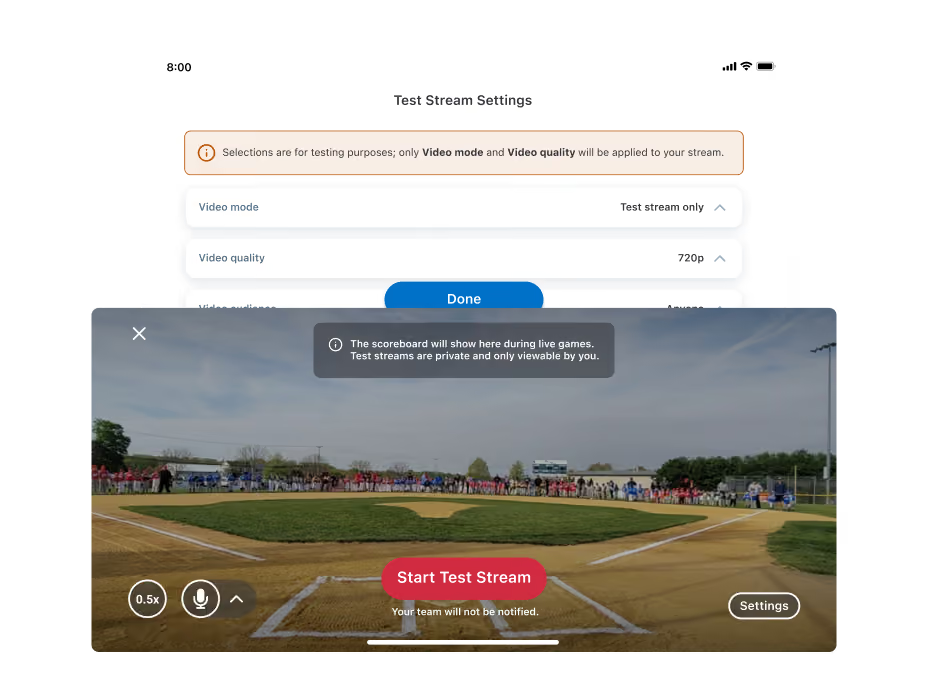
For those new to broadcasting or who want a refresher, Test Streams walk you through every go live step privately and without saving practice footage.
Share Your Live Stream
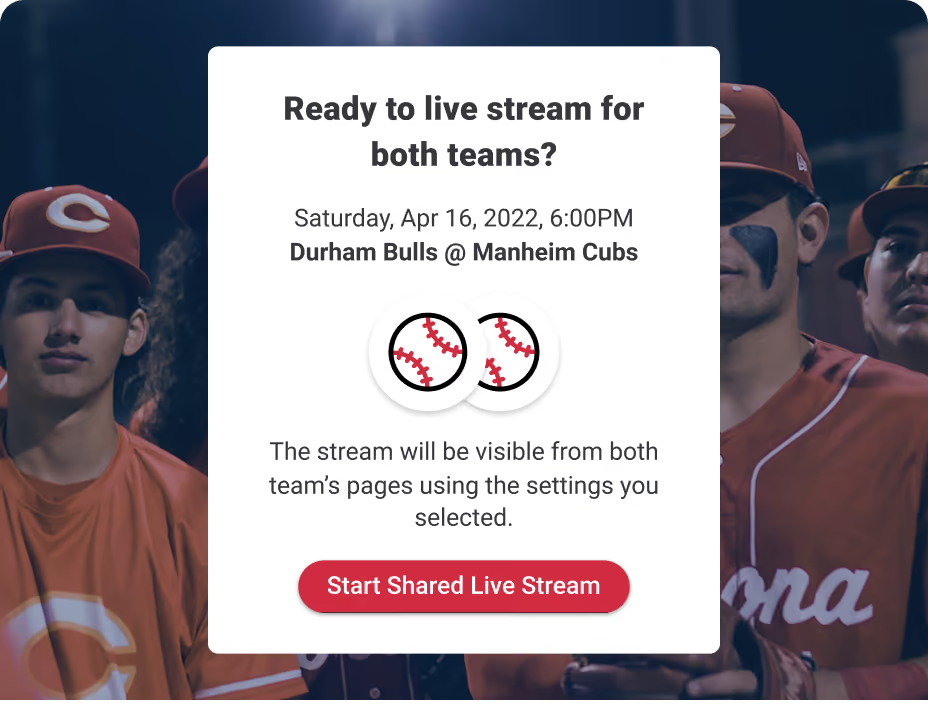
Your team’s stream can be shared with the opposing team, no need for dueling setups. When streamed and scored, each side also gets their own highlight clips.
Be there, Even when you're not
Watch a Live Stream From Anywhere
Watching live is the next best thing to being there. Whether you’re stuck at work, juggling two games at once, or just too far away, the game plays out in real time wherever you happen to be.
- Never miss a moment, in Full HD, no matter the distance
- Watch from mobile, desktop, or beam it to the big screen
- Follow more than one game or athlete at the same time
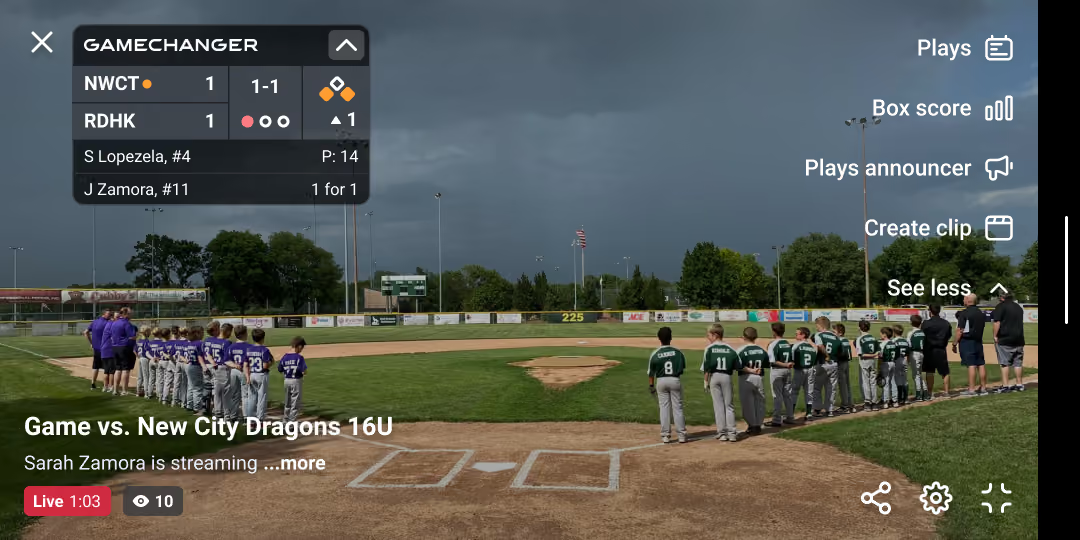
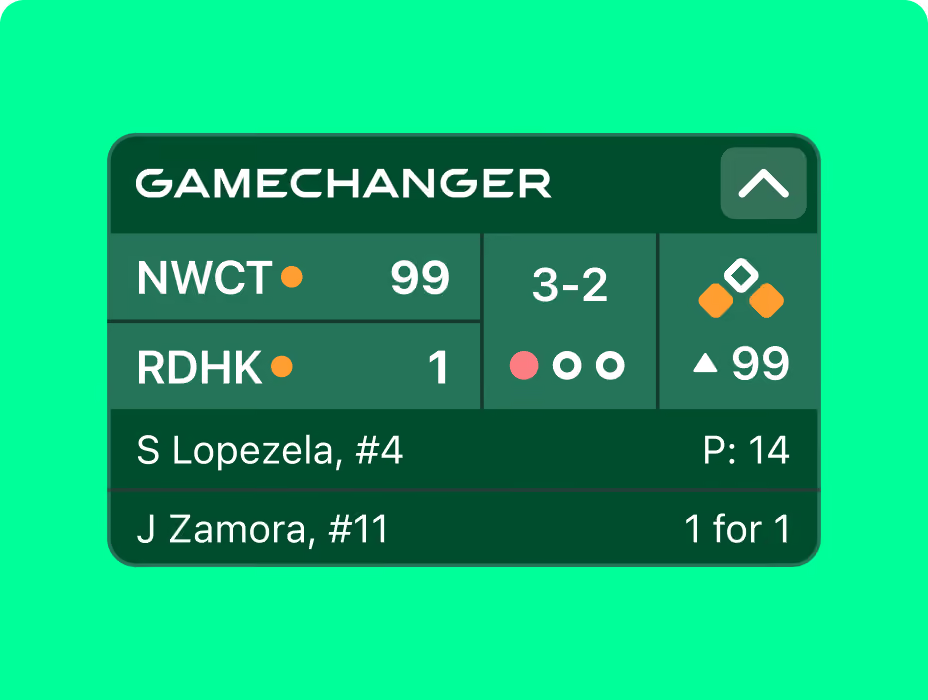
Adjust Scoreboard
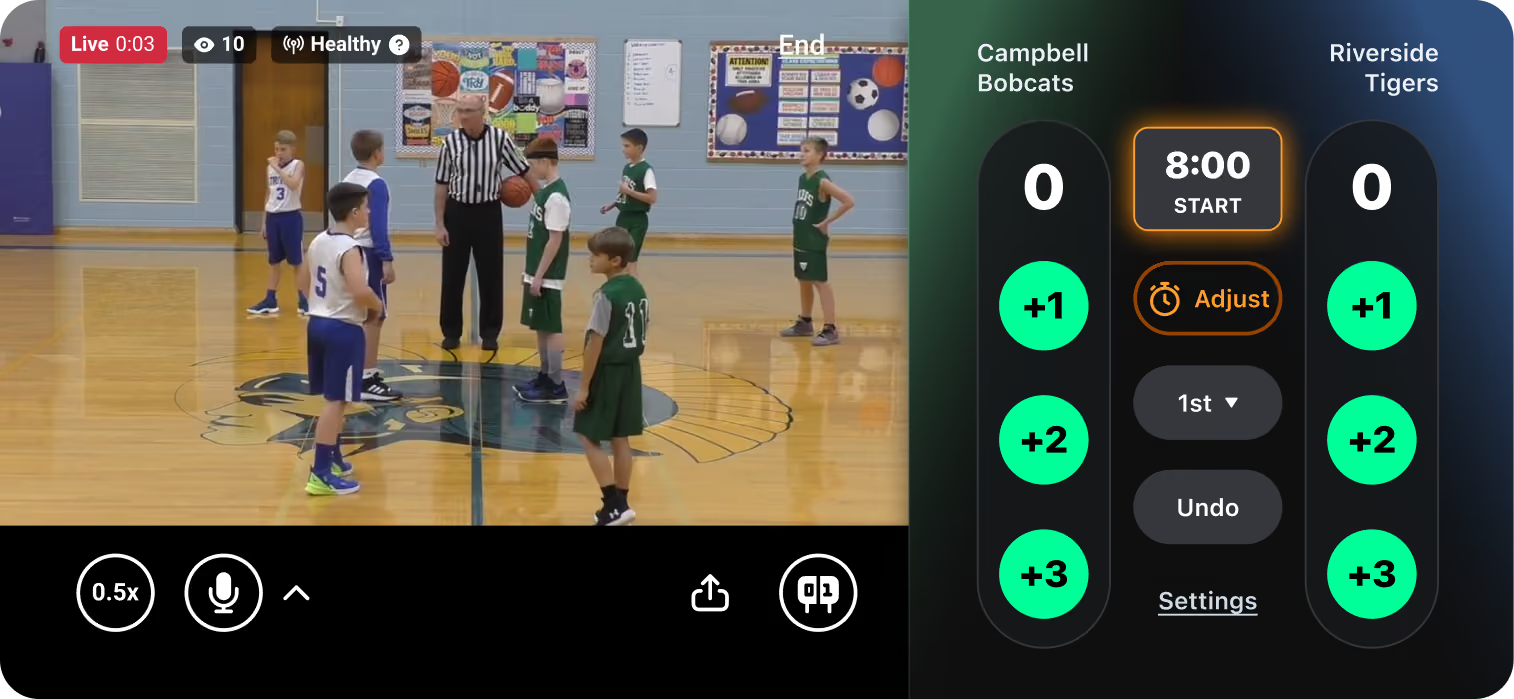
If the scoreboard blocks the action, or just crowds a small screen, move it to a better spot, live or during replay.
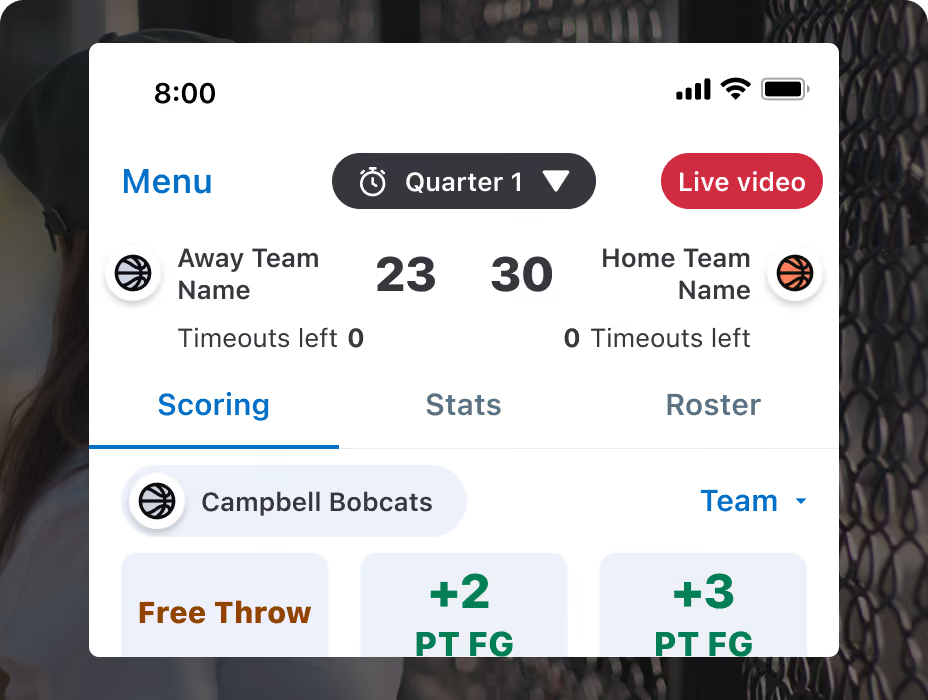
Live Stream From Scoring
Scorekeepers can check the stream from the scoring screen, reducing distractions and supporting a quality viewing experience.
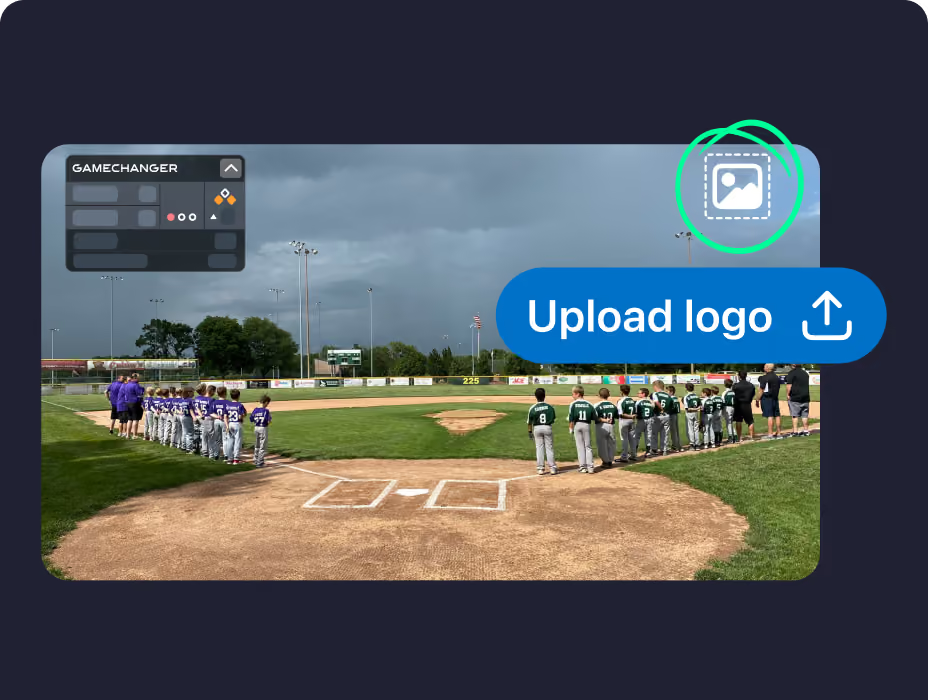
Sponsor Logos
Sponsor logos can run all season or get swapped game after game as one more way to recognize the partners who support your team.
find the right camera for your live stream
Gear up with GameChanger-compatible camera options.
See Cameras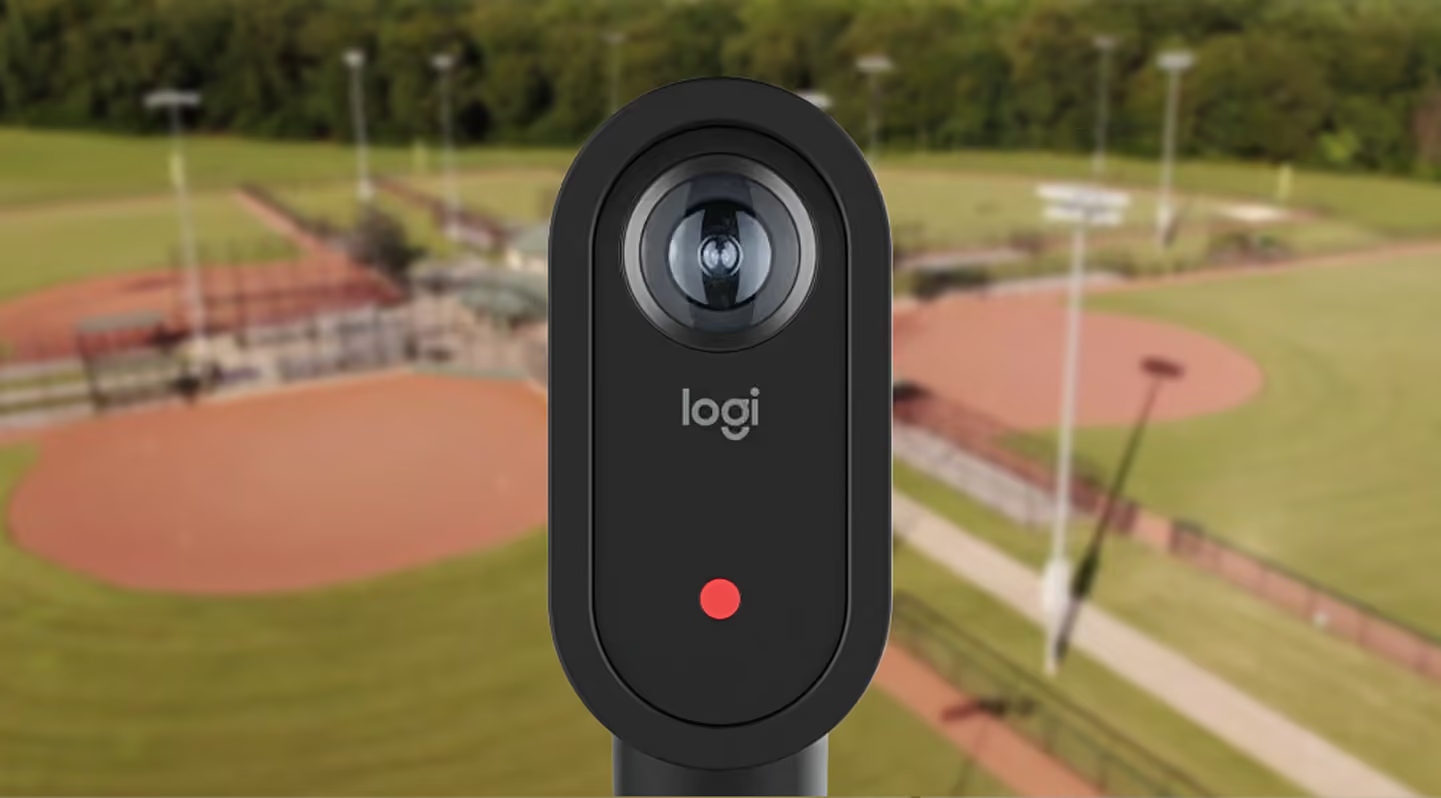
Stay In the game with alerts
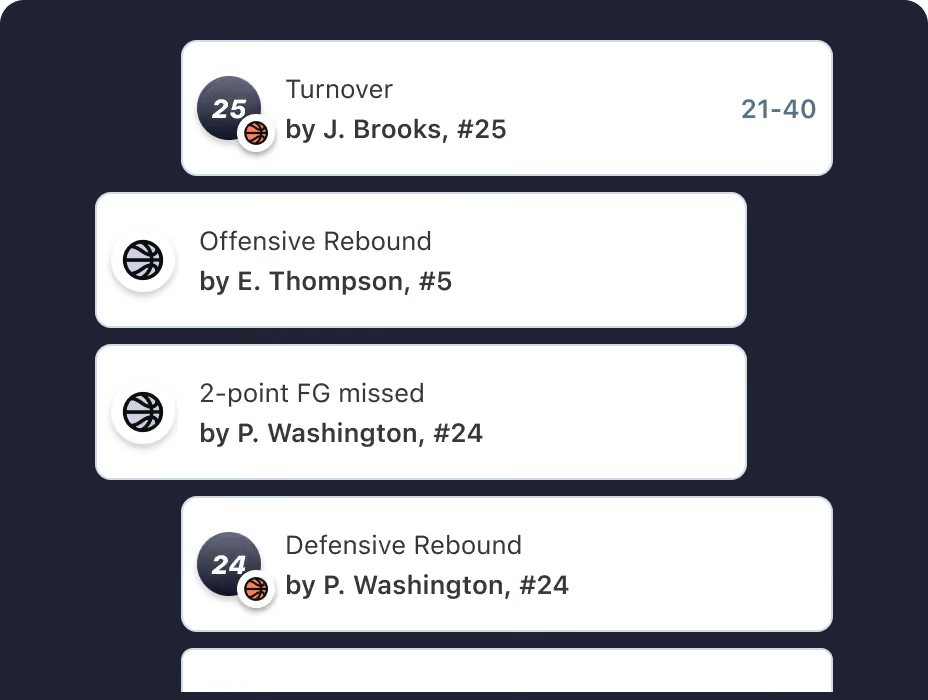
Read Every Play as it Happens
Live play-by-play serves up every play as a rolling text thread right in the app or when you’re logged in to your web account. Catch up on anything you missed in seconds and check back in when it’s convenient for you.
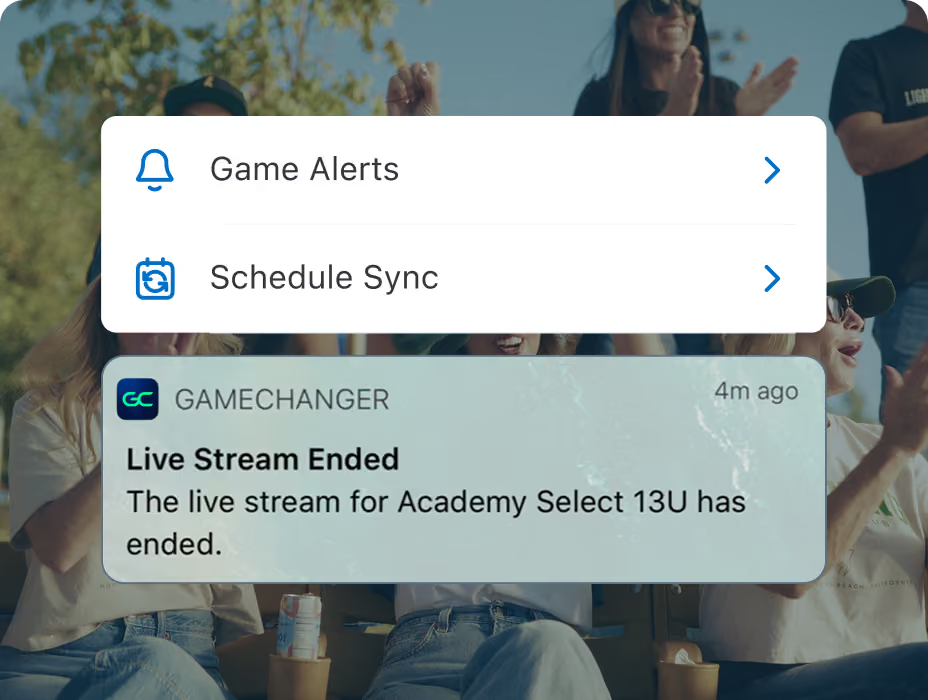
Know the Score Without Watching
You don’t need to watch the whole game to know when something big happens. Turn on Game Alerts for mobile notifications the minute key moments happen, perfect for a packed schedule or anytime life pulls you away.
The biggest plays in an instant
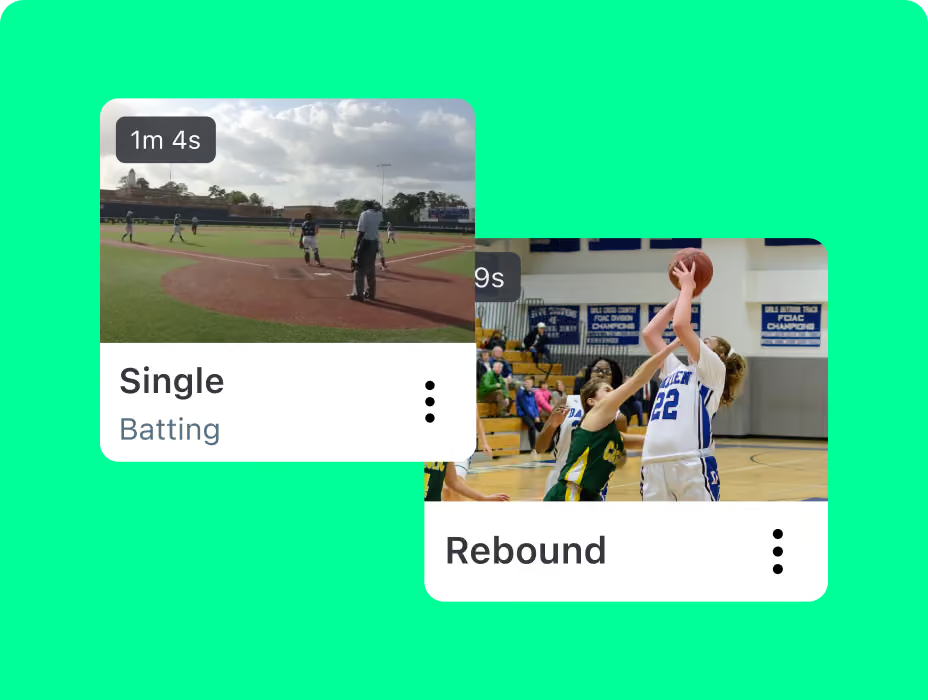
Relive the Best of it All
Game Highlights automatically pulls together the biggest plays from the game into one quick reel. Skip the full replay and go straight to the good stuff, ready to revisit or share anytime.
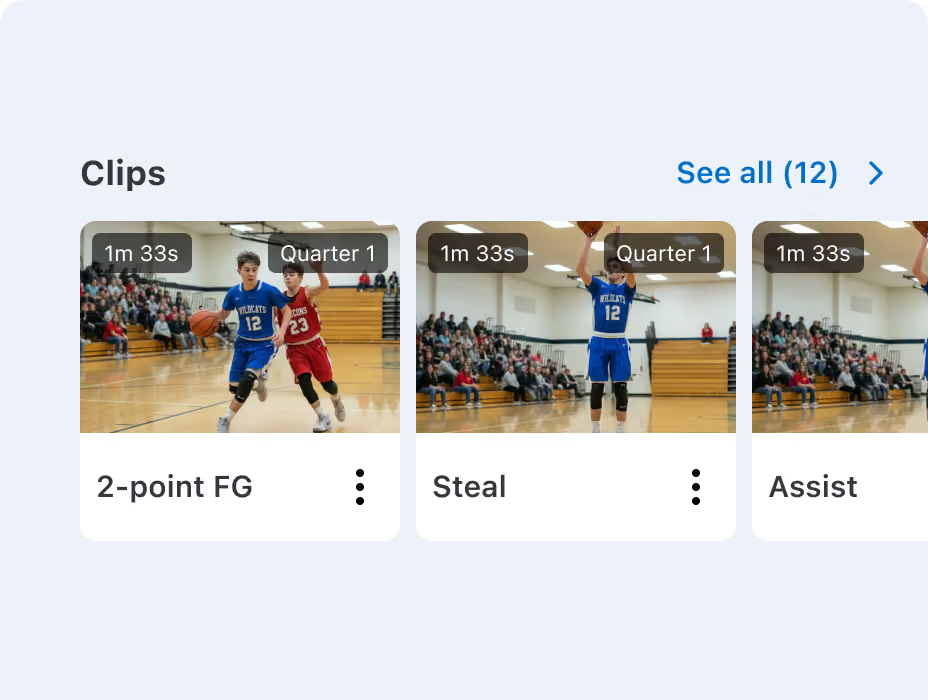
Build Your Highlight Library Automatically
Streaming and scoring the game unlocks Automatic Highlight Clips without lifting a finger. Every play gets organized by game and by player, resulting in a season-long library to share and support player development.
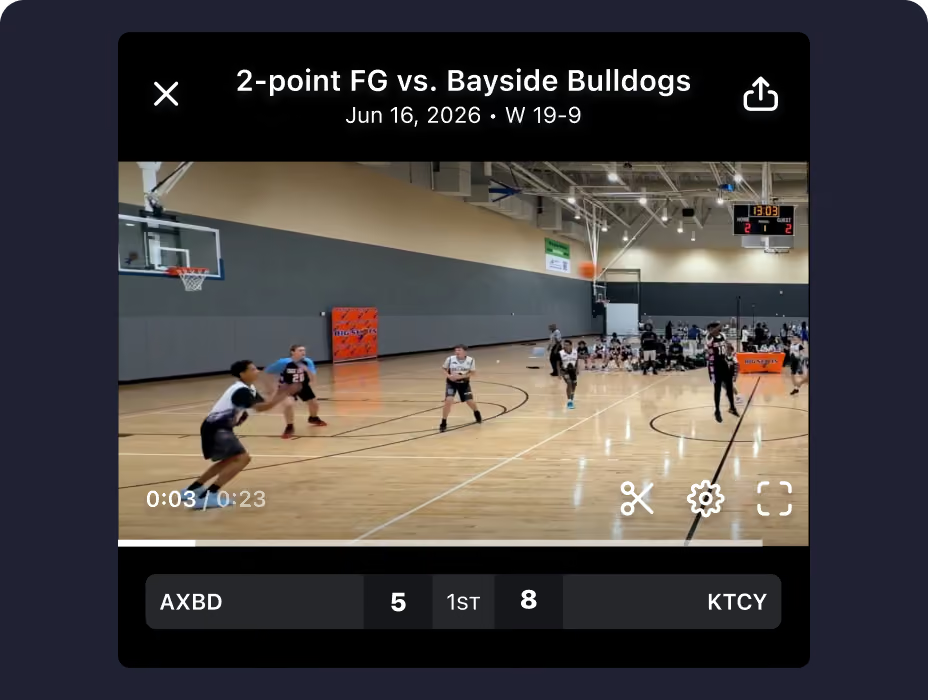
Grab the Exact Moment You Want
Not seeing an automatic highlight that deserves the spotlight? Clip it yourself at any point in the archived video footage. Use it to break down a play with the team, celebrate a big moment, or just save something that felt meaningful.
“Great user interface. Love being able to stream video and score from the same device. Smooth integration with Mevo Start camera. Helpful statistical computations and aggregations from pitch-by-pitch data.”

“GameChanger is used by everyone in our Little League and we love it. My favorite part is being able to go back to video clips from three years ago when my daughter just started playing and being able to track her progress in her stats and videos."
Level Up Your Live Stream


The Latest in Live Video
Read about new live video features and updates.
GameChanger Live streaming Questions
Once you have made yourself an account on GameChanger, choose “Create New Team” in the app or “Add Team” online to get started. Then, select your team’s sport and enter basic team information and begin adding team staff and players.
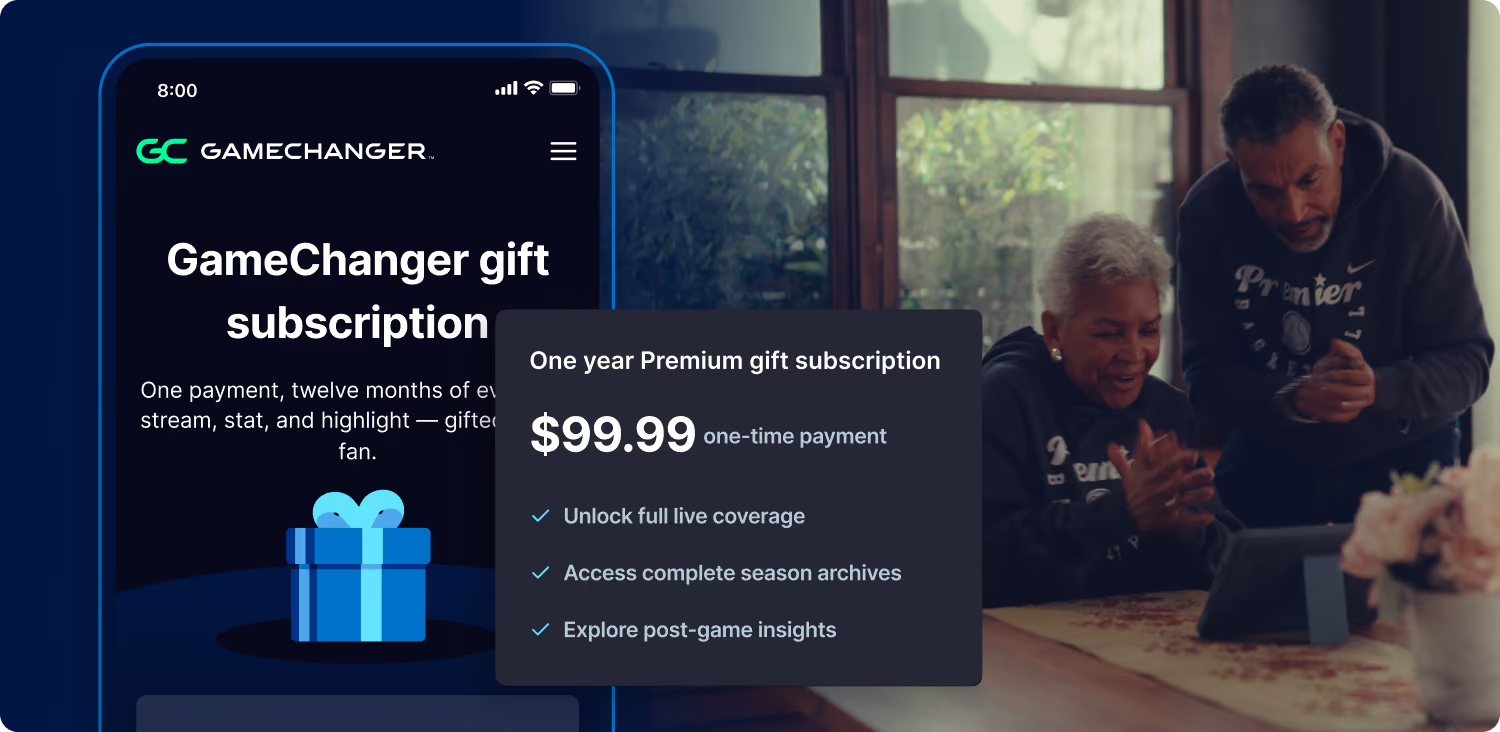
Yes! The GameChanger App is free to download and it is completely free to create a team and utilize team management features. All GameChanger features — including premium features — are completely FREE for coaches and staff to use for their team.Parents and fans can join a team and utilize team messaging, scheduling, and RSVP for free. Additional features for parents and fans, like unlimited baseball and softball live stream viewing, highlight clips, and box scores, are available with a subscription starting at $9.99 per month (or $39.99 billed annually).


